Ledge.sh
Runnable Markdown Notes
About Ledge.sh
Ledge.sh — Runnable Markdown Notes. It was shared on Show HN in 2026 and received 205 upvotes on Hacker News. Runnable Markdown notes for developers and DevOps. Run a code block in place and its output streams in beneath it. Free and open source, for Mac, Linux, Windows, iPhone, and Android. The stripe profile holds the API key and database URL. prompt Write this week's growth update from this note for #team A Markdown notebook for developers and DevOps who keep commands in their notes. ⇧⌘↩ sends the block to the note's terminal drawer, a second shell you can keep typing in. Use it for a command you are quoting, not running. The app on your computer is the window onto it. The only thing between you and the server is ssh. The output is waiting when you open it again. Ledge pins the server's host key and refuses any other. It reads, edits, and runs what is on the server. Read, edit, and create notes with live preview. sh htop B I [[ Run blocks on other machines Add a host: line to the frontmatter and every run in the note happens over ssh on that host. Declare several hosts and Ledge asks which one on every run. python , node , and other interpreted blocks run on the host too, with a per-machine interpreter override in Settings. Docs: Run Code on Remote Hosts --- cwd: ~/Projects/api host: staging, deploy@prod --- Stale session keys after the 2.4.1 deploy. Every note keeps its own shell, so two panes are two working environments. Introducing it on Hacker News, the author wrote: "Hi HN, Ledge is a Markdown notebook that runs shell commands, code, SQL, etc from inside your own notes. I built Ledge because I spend much of my day copy/pasting commands from my notes into the terminal. I was inspired by how much cmux helped me organize my terminals - but there was still a split brain between my notes and frequently run commands."
Community AMA
Ask the founder anything!
No questions yet. Be the first to ask!
Community Perks
Check back soon for exclusive offers
We're cooking up something special with 'Ledge.sh' to bring you exclusive perks!
The kitchen is busy - amazing deals are coming soon! 🔥
You Might Also Like...
ChatLLaMAA ChatGPT style chatbot for Facebook's LLaMA

Pages CMSA CMS for GitHub

AutomatischOpen source workflow automation, an alternative to Zapier
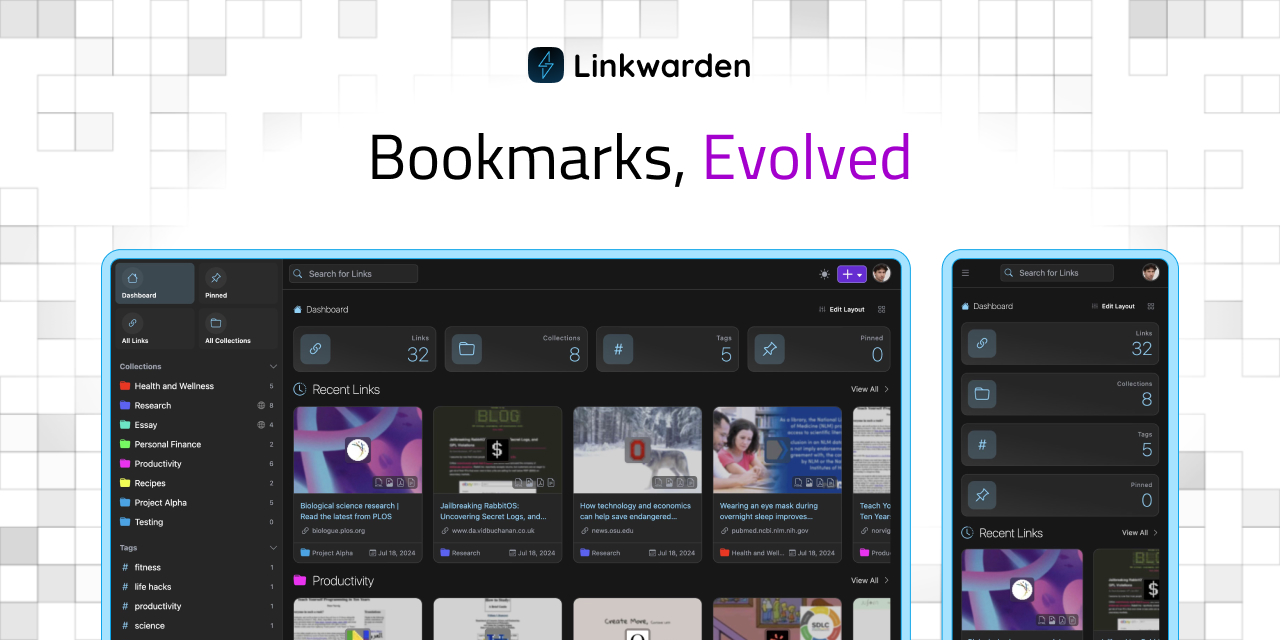
LinkwardenAn open source collaborative bookmark manager
Alternatives to Ledge.sh: ChatLLaMA, Pages CMS, Automatisch, Linkwarden · Compare all alternatives ›